Beginner Guides
How to Understand the MotoGP TV Broadcast Graphics
Watching your first MotoGP race? This guide decodes the TV graphics, from the timing tower and sector times to tyre choices, for absolute beginners.
Independent fan site — not affiliated with MotoGP or MotoGP Sports Entertainment Group (formerly Dorna). Written by AI from official data and fact-checked: how this article was made.
Welcome to the World’s Fastest Sport!
So, you’re settling in to watch your first MotoGP race. The bikes look incredible, the speed is mind-bending, but the screen is covered in numbers, names, and coloured boxes. It can feel like trying to read a secret code while fighter jets scream past your window.
Don’t worry! That ‘secret code’ is actually your best friend for understanding what’s happening. Think of this guide as your decoder ring. In a few minutes, you’ll be reading the race like a seasoned pro.
The Timing Tower: Your Guide to Who’s Where
The most important graphic is the one you’ll see for most of the race, usually on the left-hand side of your screen. This is called the timing tower. It’s a vertical list that shows the running order of the race in real-time.
Each rider has a row. You’ll see their position (P1 for first, P2 for second, and so on), their name (usually a three-letter abbreviation like ‘BAG’ or ‘QUA’), and their team. The most crucial piece of information here is the time gap.
Next to a rider’s name, you’ll often see a time like ‘+1.234’. This simply means they are 1.234 seconds behind the leader in P1. If it says ‘Interval’, it might show the gap to the rider directly in front of them. It’s the quickest way to see if a battle for position is getting closer or if a rider is pulling away.
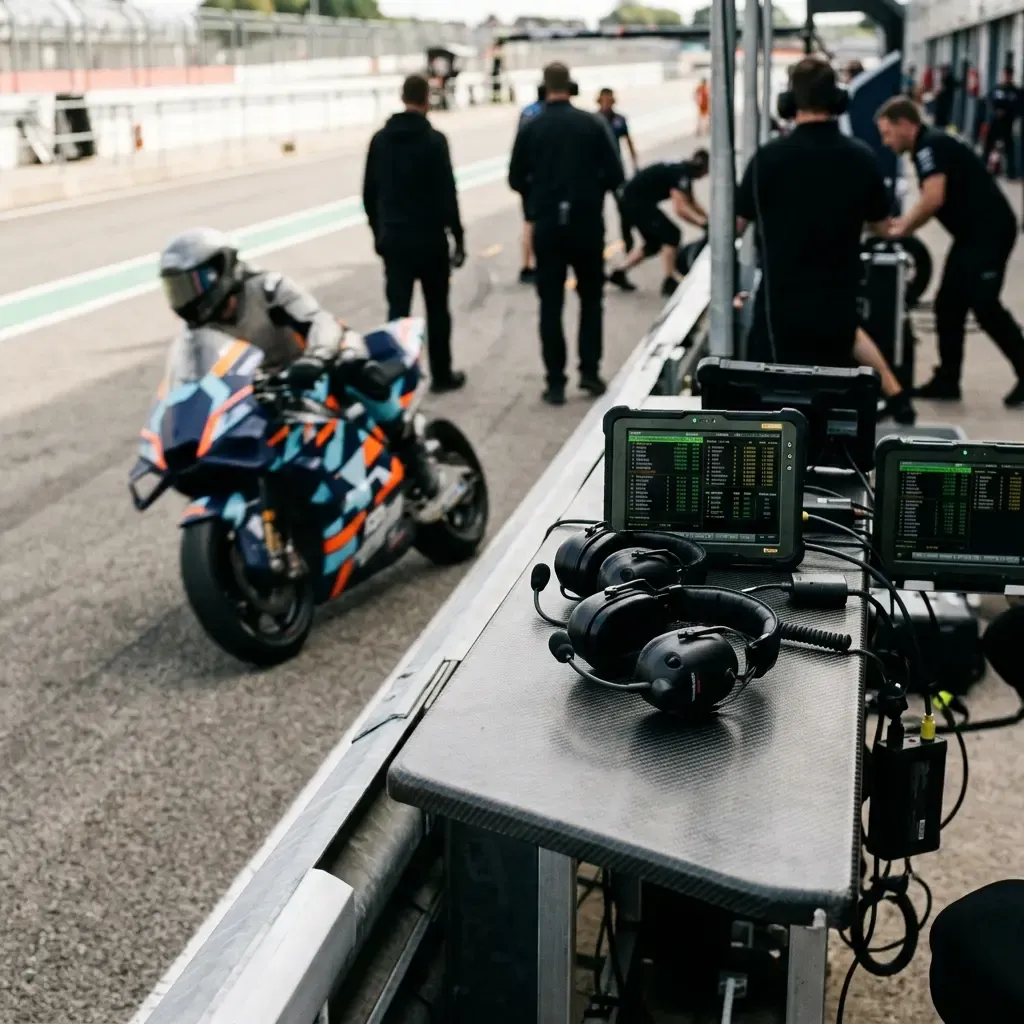
Sector Times: Decoding the Colours of Speed
You can’t see the whole track at once, so how do you know if a rider is having a great lap? This is where sector times come in. The timing system splits each lap into several sections, known as sectors. The on-screen graphics show you how fast a rider completes each one.
This is where the colours become really important. When a rider passes through the end of a sector, a coloured box or helmet icon will pop up next to their name. This is what they mean:
- Red Sector: This is the big one. A red sector time means that rider has just set the fastest time of *anyone* through that part of the track in the entire session. If you see a rider setting red sectors, they are on an exceptionally fast lap.
- Orange Sector: This is also very good. An orange sector time means the rider has just set their own *personal best* time through that part of the track. They are improving and pushing hard, even if they aren’t the fastest of all.
- White or Grey Sector: This means the rider’s time in that sector was not their personal best. They might have made a small mistake or are managing their tyres.
Watching these colours during QualifyingThe timed sessions that set the starting order, split into Q1 and Q2 for the front rows.Read the full guide → is especially exciting. A string of red sectors tells you a rider is on a lap that could put them on Pole positionFirst place on the starting grid, earned by the fastest qualifying lap.Read the full guide → (the very front of the starting grid)!
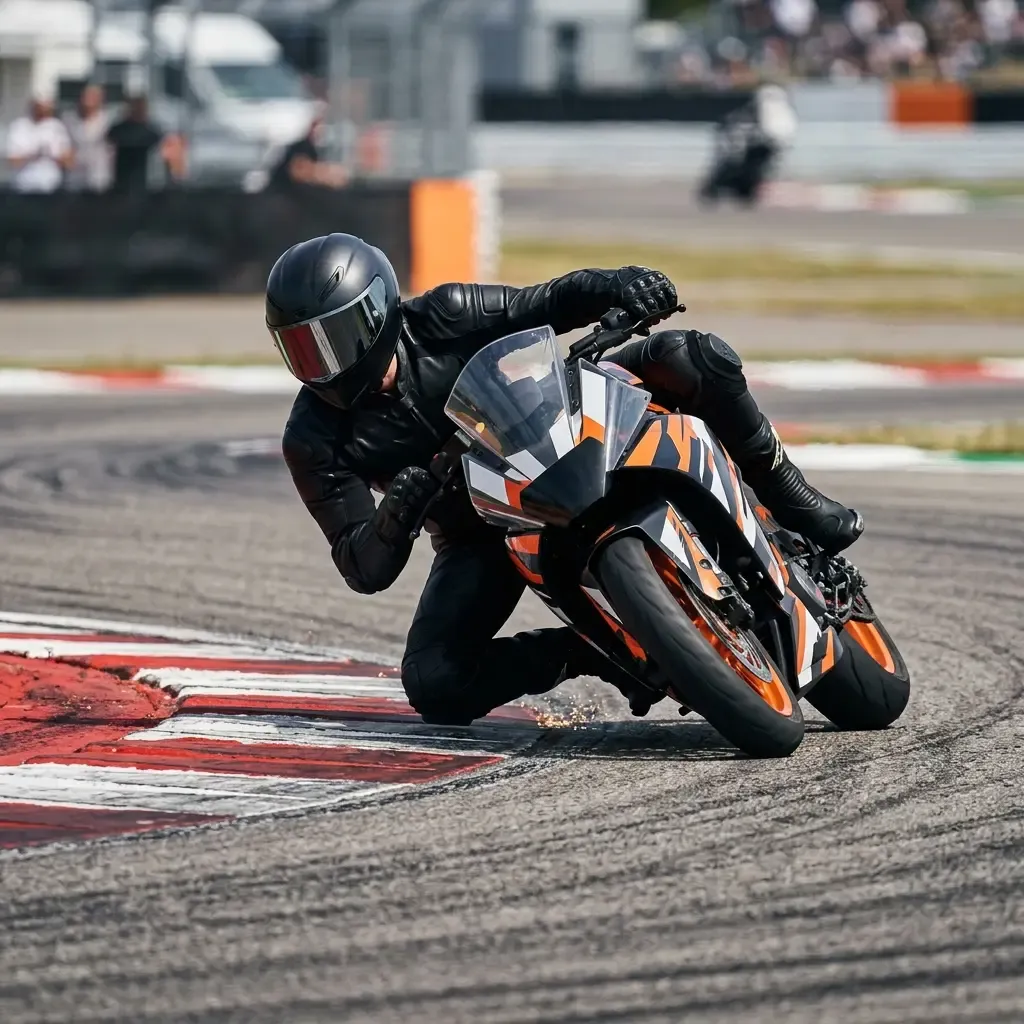
Special Graphics: The Ghost Rider and Other Key Info
During qualifying sessions, you might see a really cool graphic called the ghost rider. This isn’t a spooky apparition; it’s a powerful visual tool. The broadcast will overlay a semi-transparent image of the current fastest rider’s lap on top of the live video of a rider trying to beat it.
This shows you, corner by corner, whether the rider on the ‘hot lap’ is ahead or behind the time they need to beat. A small time indicator (+0.105 in red, or -0.210 in green) will show the exact difference. It creates amazing tension as you see them gaining or losing tiny fractions of a second.
There are a few other handy graphics to keep an eye on. You’ll often see small icons indicating a rider’s tyre choice – usually showing which combination of soft, medium, or hard compound tyres they are using on the front and rear. You’ll also see a ‘Top speedThe fastest a bike goes on a lap, reached at the end of the longest straight — over 360 km/h at the quickest circuits.Read the full guide →’ graphic, which shows the maximum speed riders are hitting on the fastest straight of the circuit. It’s a great way to see the raw power of these incredible machines.
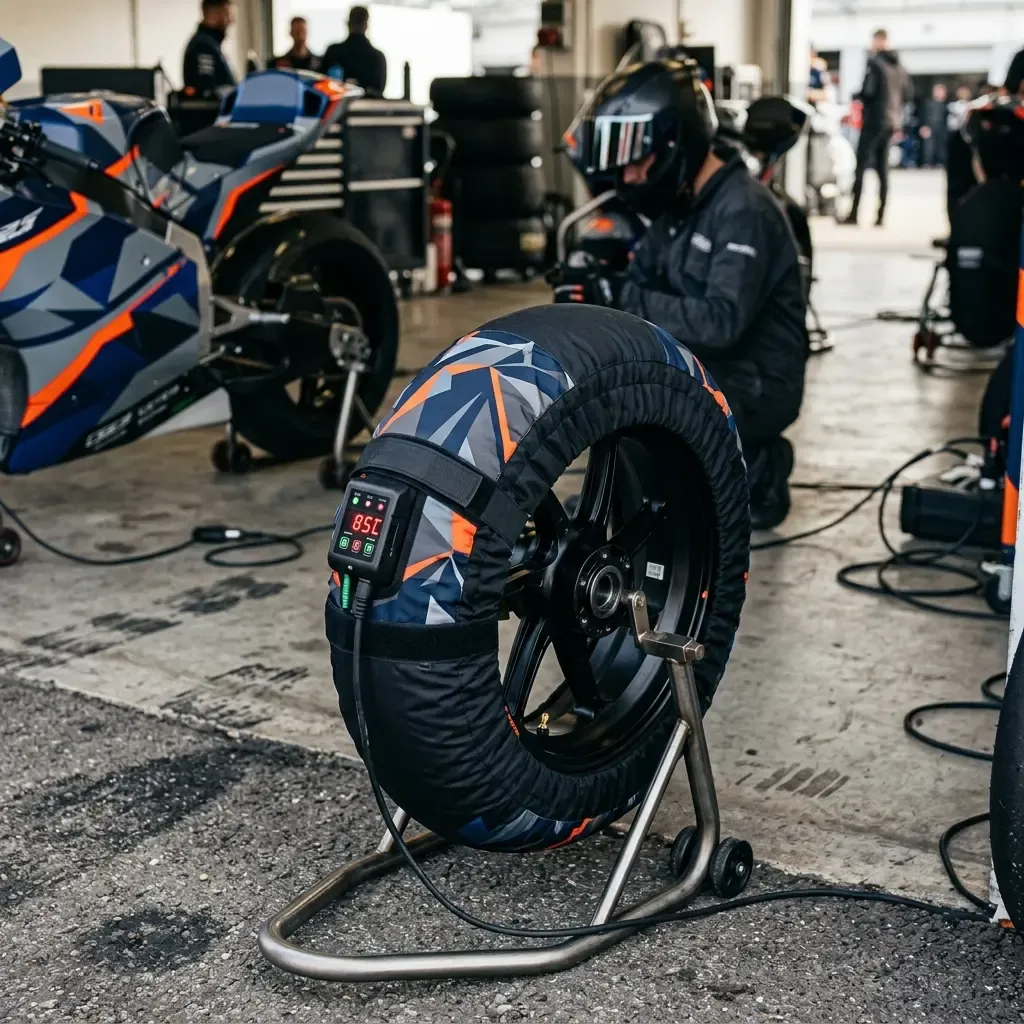
And that’s it! By understanding the timing tower, the sector colours, and a few key extras, you’ve unlocked a whole new layer of the sport. You’re no longer just watching bikes go around a track; you’re following the battles, understanding the strategy, and spotting who is pushing the limits, all from your sofa.
Quick Takeaways
- The Timing Tower on the left of the screen shows every rider’s position and their time gap to the leader.
- During a lap, coloured sector times show a rider’s pace: Red is the fastest of all, and Orange is a rider’s personal best.
- The Ghost Rider graphic in qualifying visually compares a rider’s live lap against the current fastest time, building incredible tension.
- Look out for other info like tyre choice icons and top speed traps to get even more insight into the race.